
THE HIGH FREQUENCY APP
Save your listening essentials
Keep favorites close and sounds available offline.
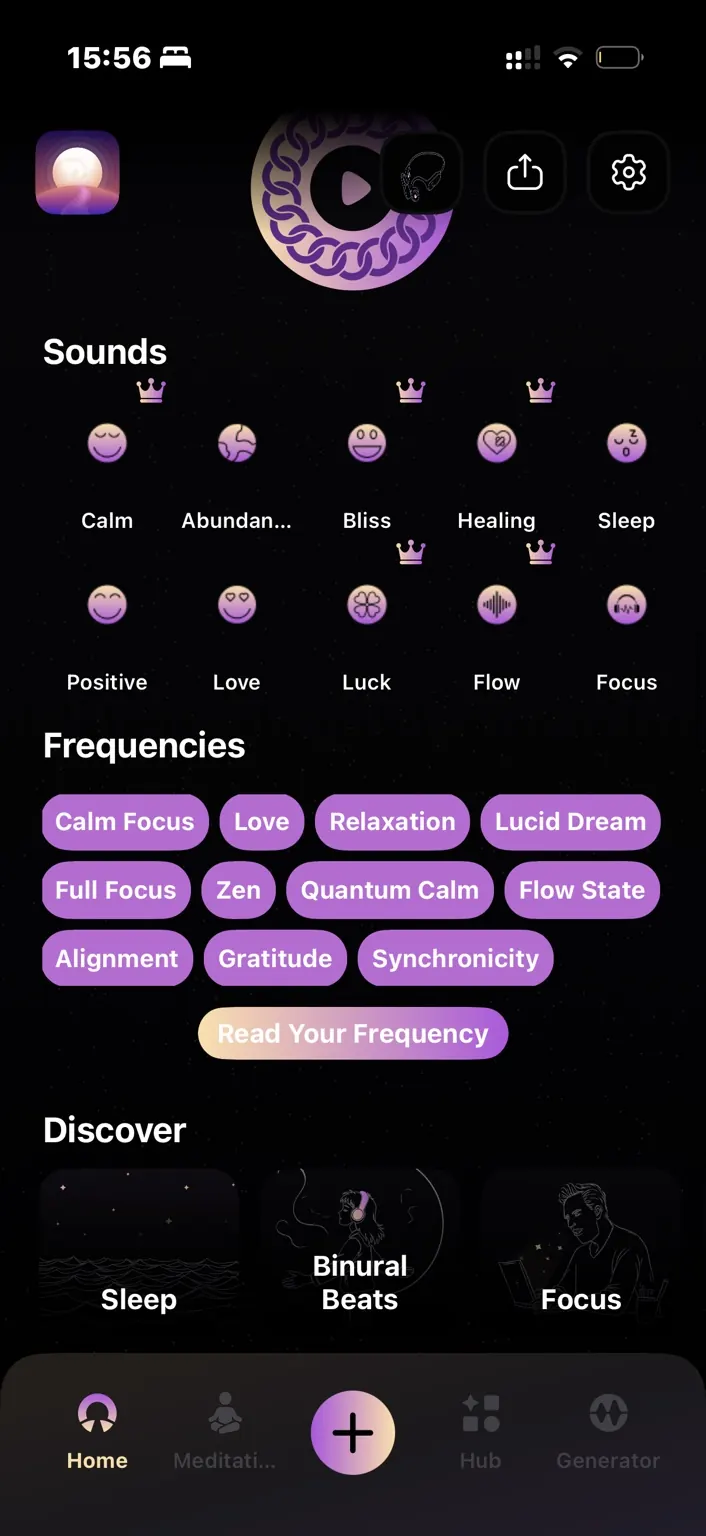
Save a favorite
Tap the heart on a player screen. Your favorites collect on your profile so you can return to them easily.
Download a sound
Tap the download icon on a player screen while connected. Find downloaded tracks in the downloads section of Settings.
Know what works offline
Downloaded audio works offline. Generated tones are created on your device and do not require downloading. Streaming a sound that has not been saved still requires a connection.
Keep your downloads
Reinstalling the app clears downloaded audio. After reinstalling, connect to the internet and download those sounds again.