
THE HIGH FREQUENCY APP
Your first session
Pair your headphones and get started.
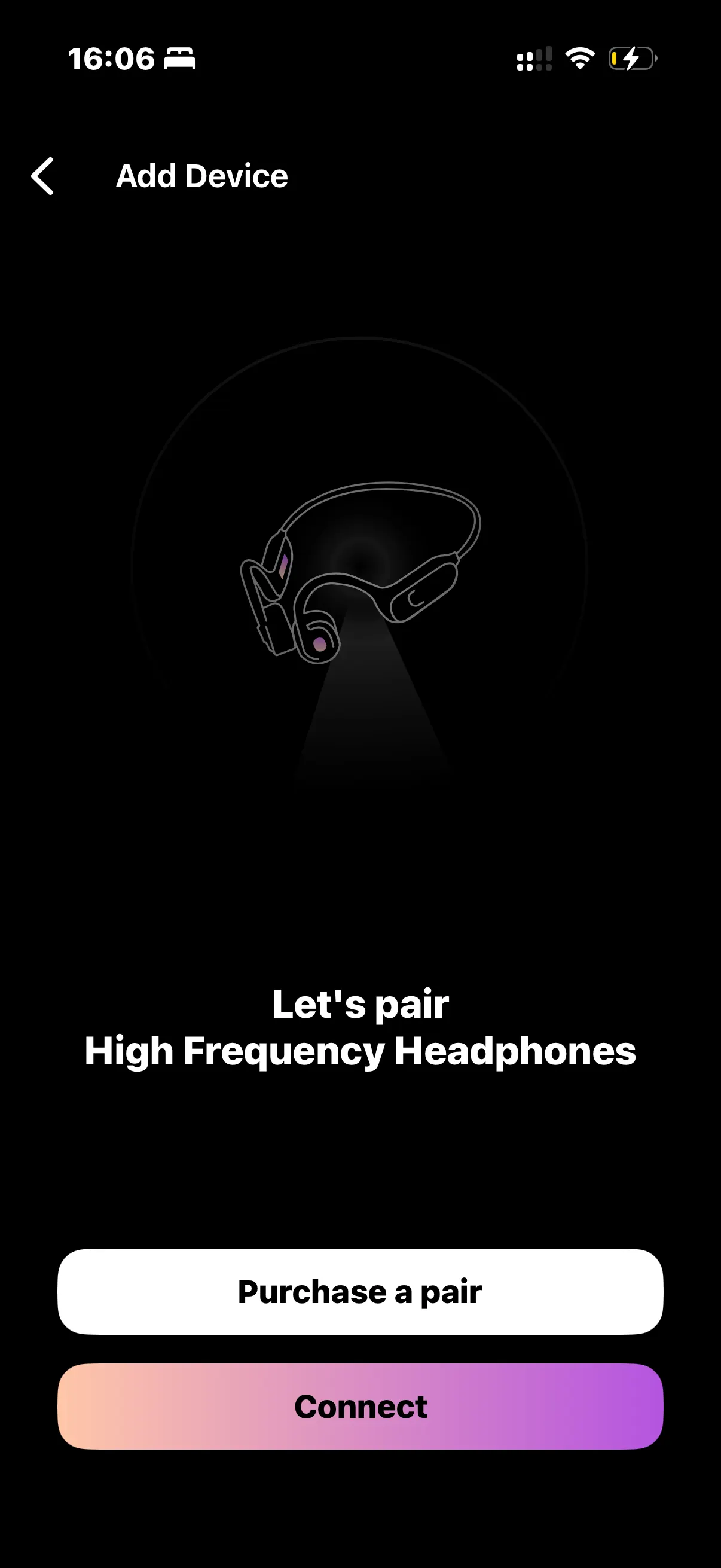
Pair your headphones
Charge your headphones, then open your phone’s Bluetooth settings and pair them. Place the pads on your cheekbones, just in front of your ears.
Set up the app
Download the High Frequency Highway app, create an account, and choose your main goal during onboarding. This helps personalize your recommendations.
Start listening
Open the Generator and choose a preset. Start at a low volume and adjust gradually to a comfortable level. You can pause or stop at any time.
Add a sound
While a frequency is playing, tap the plus button and choose a sound to layer over it. Use the mixer to find a comfortable balance.