
THE HIGH FREQUENCY APP
Meet the Frequency Generator
Understand the tabs and controls.
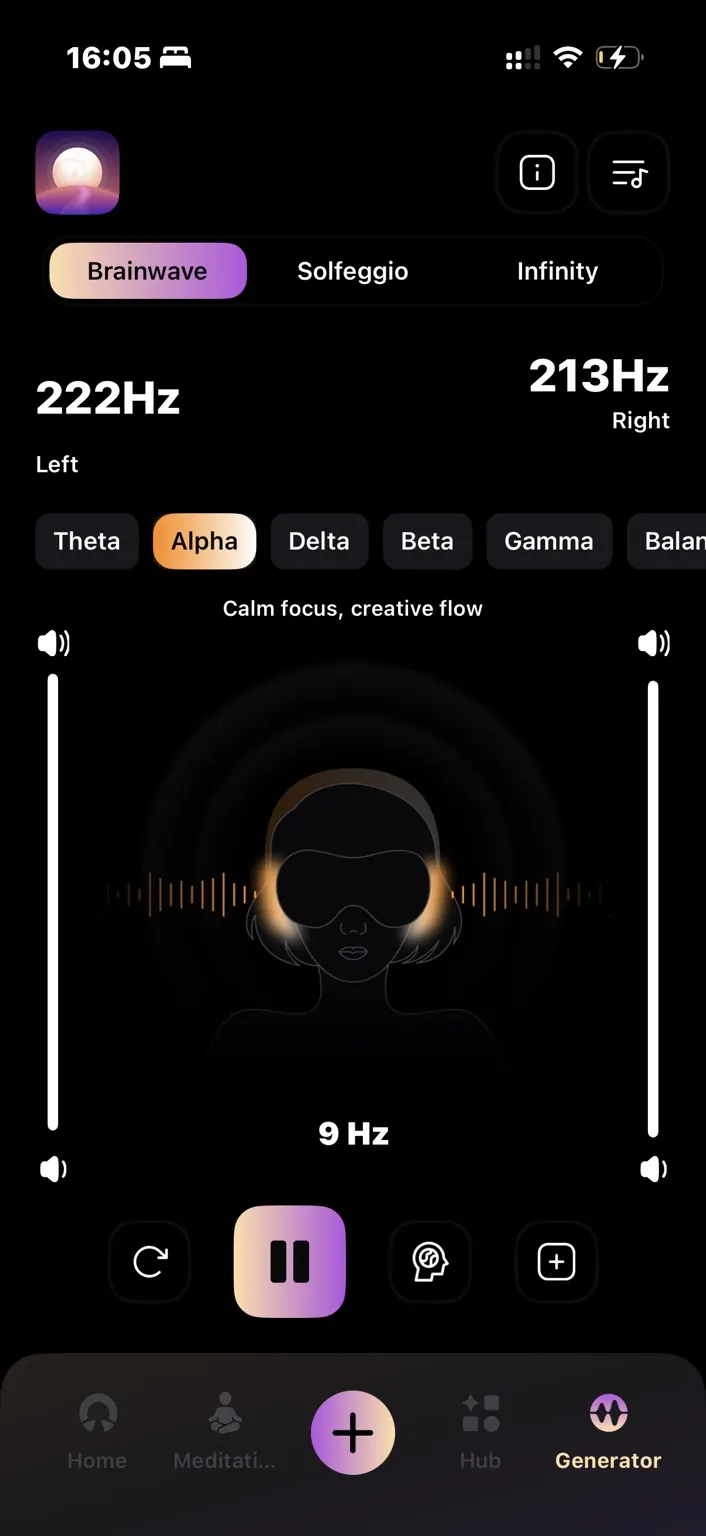
Choose a tab
Brainwave contains named presets. Solfeggio contains fixed tones. Infinity lets you enter exact hertz values independently for the left and right channels.
Adjust your listening level
Use the independent left and right volume controls. Play and pause control playback; reset returns the controls to zero.
Sync or modulate
In Solfeggio, the middle sync button sends the same tone to both ears. The Generator’s brain icon switches between a steady tone and frequencies that vary over time.
Explore the library
Open the Frequency Library from the top-right of the Infinity tab. Choose an entry to load its values, then adjust them if needed. Preset names are not medical diagnoses or treatment recommendations.