
THE HIGH FREQUENCY APP
Build your own soundscape
Find, layer, and balance your favorite sounds.
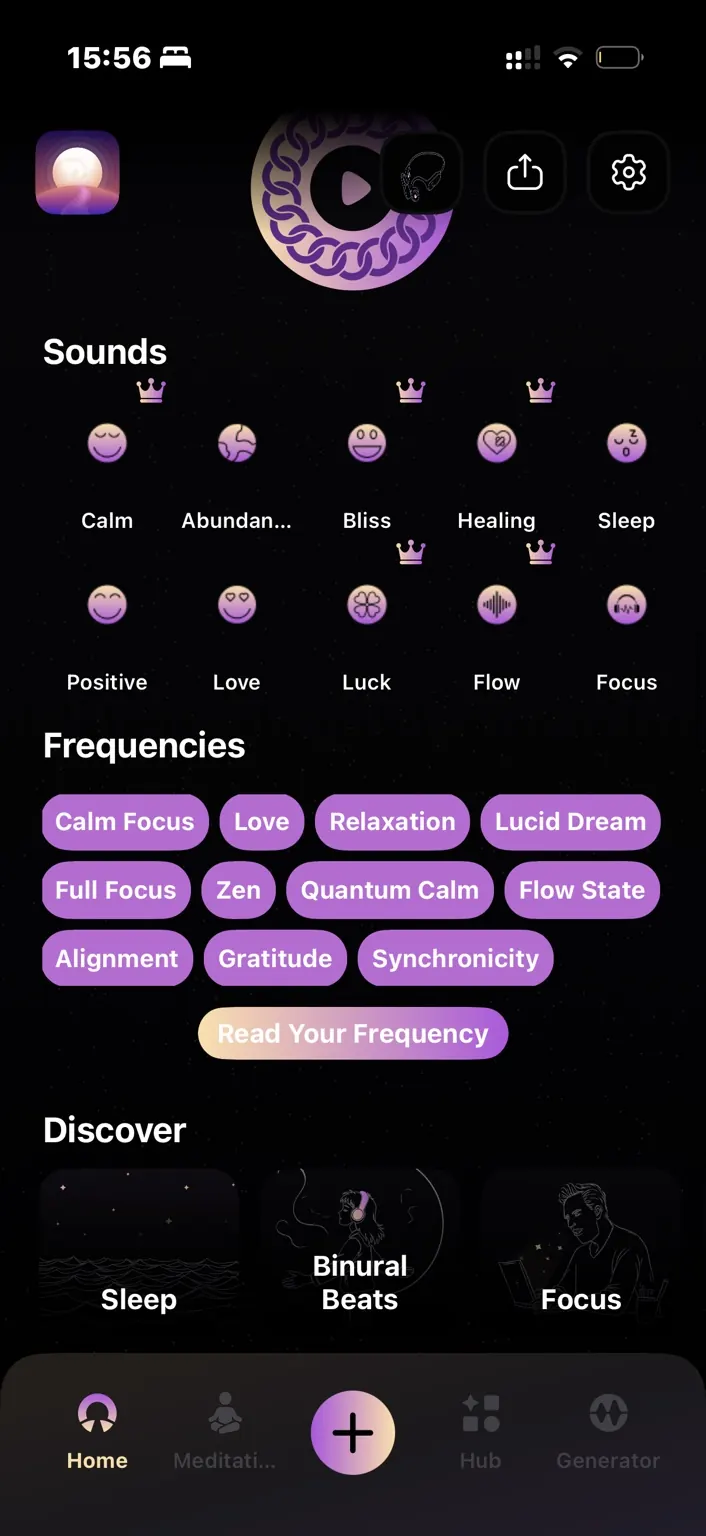
Find a sound
Browse Discover Sounds on the home screen. Swipe the category row to see more options, or use search. Tap a sound to open its player.
Create a mix
Start one sound, then tap another. When prompted, choose mix rather than switch. Open the mixer next to the favorite icon to adjust each layer’s volume.
Add or remove layers
Use the plus button inside the mixer to add another sound. Lower an individual layer to zero, or tap X to stop the entire mix.
Add generated frequencies
Start a frequency in the Generator, then tap the plus button to choose a sound. Sounds are audio files; generated tones are created on your device.